Sole engineer · Panoramic Window & Door Systems · 2025–present
Construction Company Platform
A window & door construction company runs its jobs on a Microsoft 365 platform: SharePoint lists holding every bid, contract and work order, Power Apps on phones and desktops, and flows automating what happens in between. I'm its only engineer. I build new tools on that platform and work across the rest of it, owning each project from the first conversation with the people who need it through to production.
- Role
- Sole software engineer
- I built
- Field app · photo pipeline · sidebar rail
- Users
- Office staff and field crews
- Stack
- TypeScript · Power Platform · .NET 8
The platform I build on, counted from its solution export. It's the environment I work in, and not every flow or app in it is mine. What I built is below.
What I built
A field app for installation crews
Crews post job-site updates from their phones inside Microsoft Teams, a tool they already have open. Each job gets a threaded feed. The compose screen handles primary and secondary @mentions, a subject, an urgent flag, and photos. Updates sent from Outlook land in the same feed.
The photo pipeline behind it
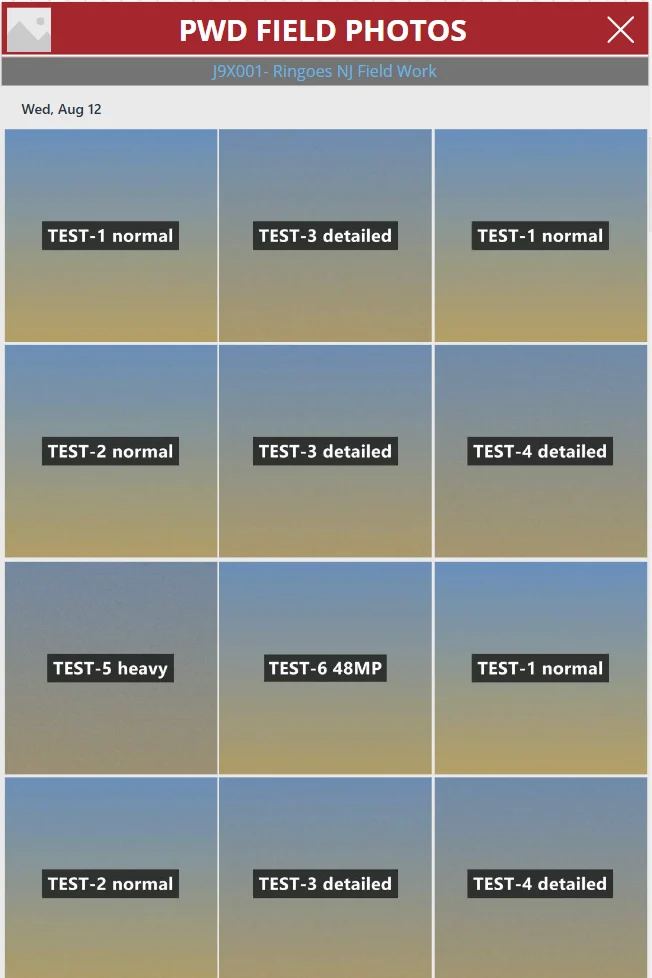
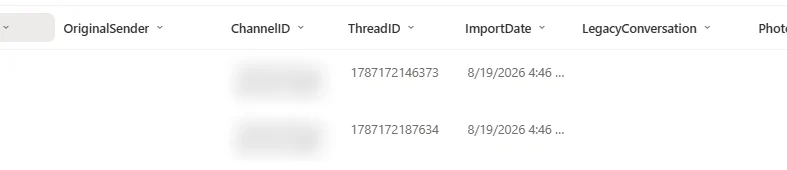
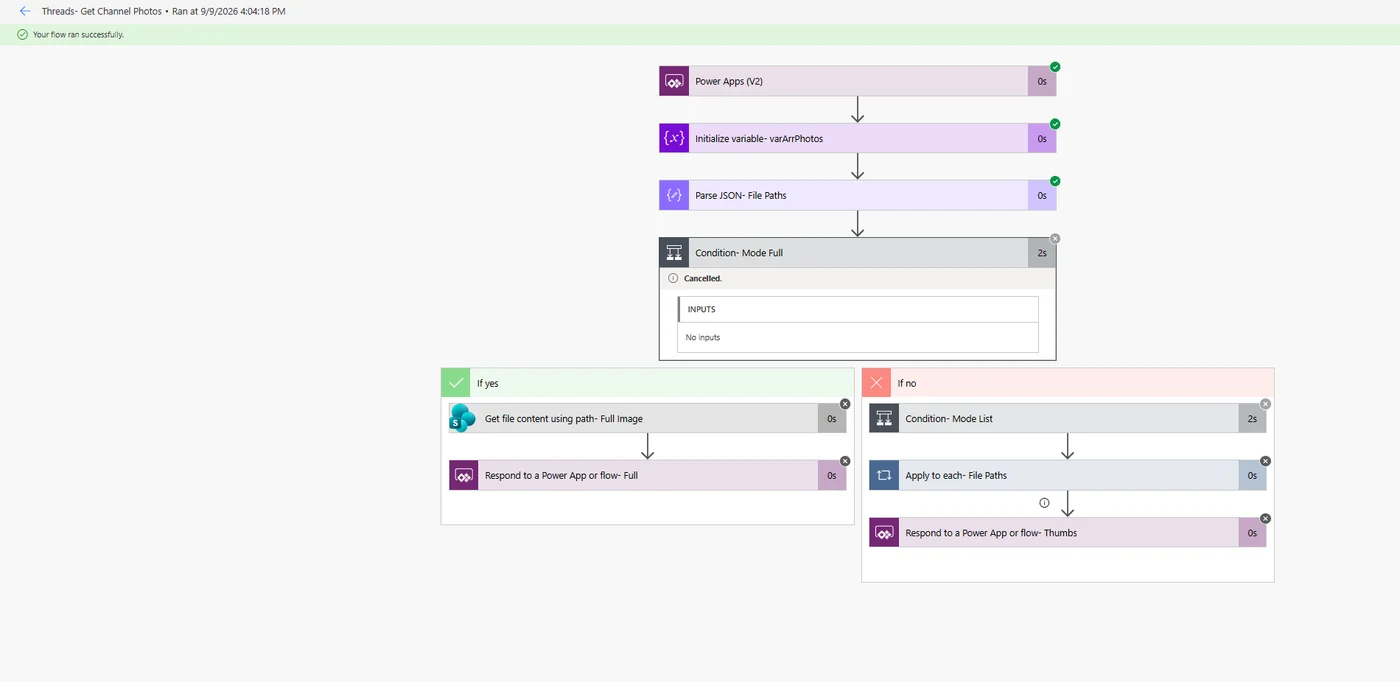
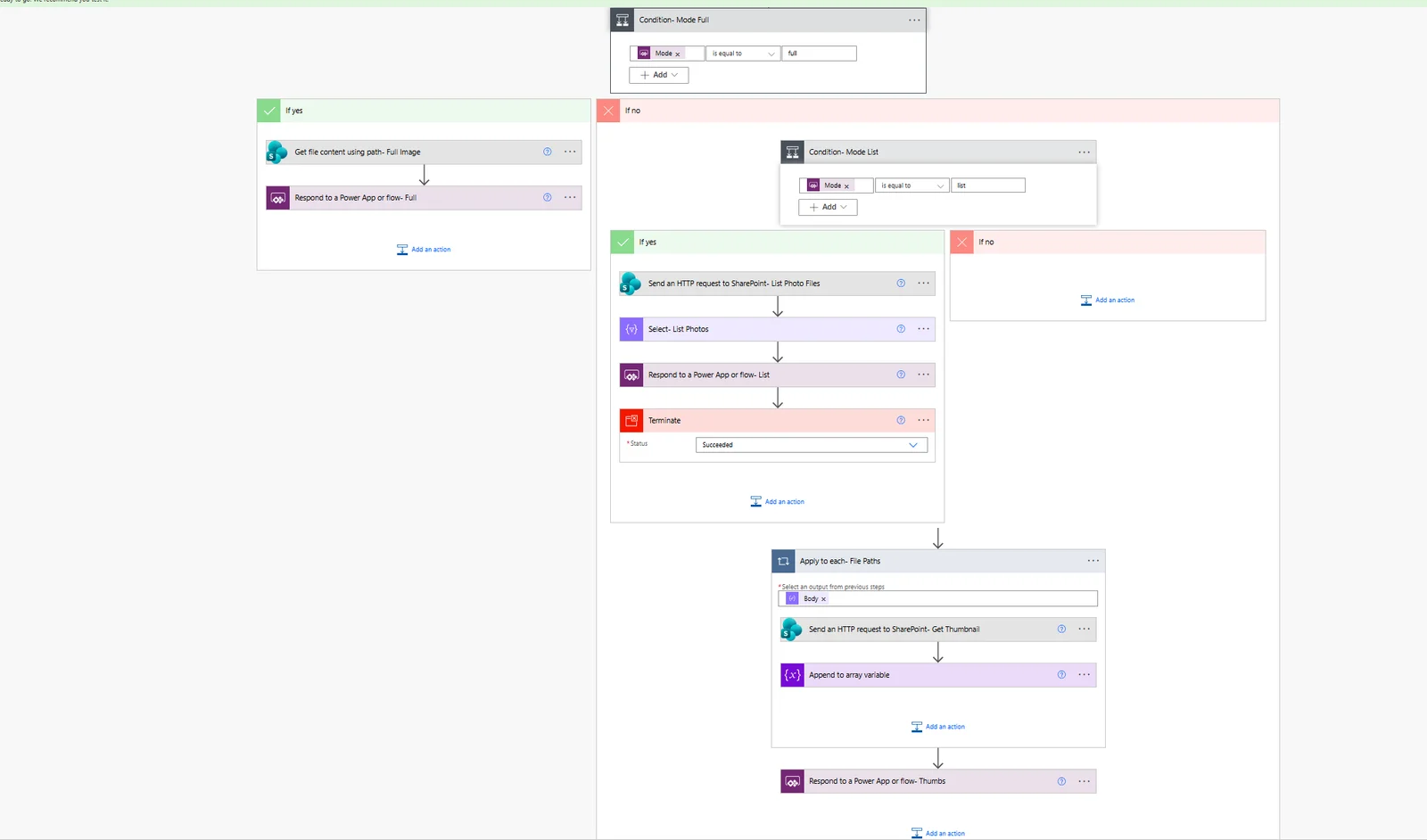
Flows file every photo into the job's own Teams site, generate thumbnails, and stamp nine metadata fields on each file: sender, original date, channel, thread, job number, sequence and more. The in-app gallery groups photos by day, week or month, so a job's history stays findable after thousands of uploads.
A sidebar rail for the whole company
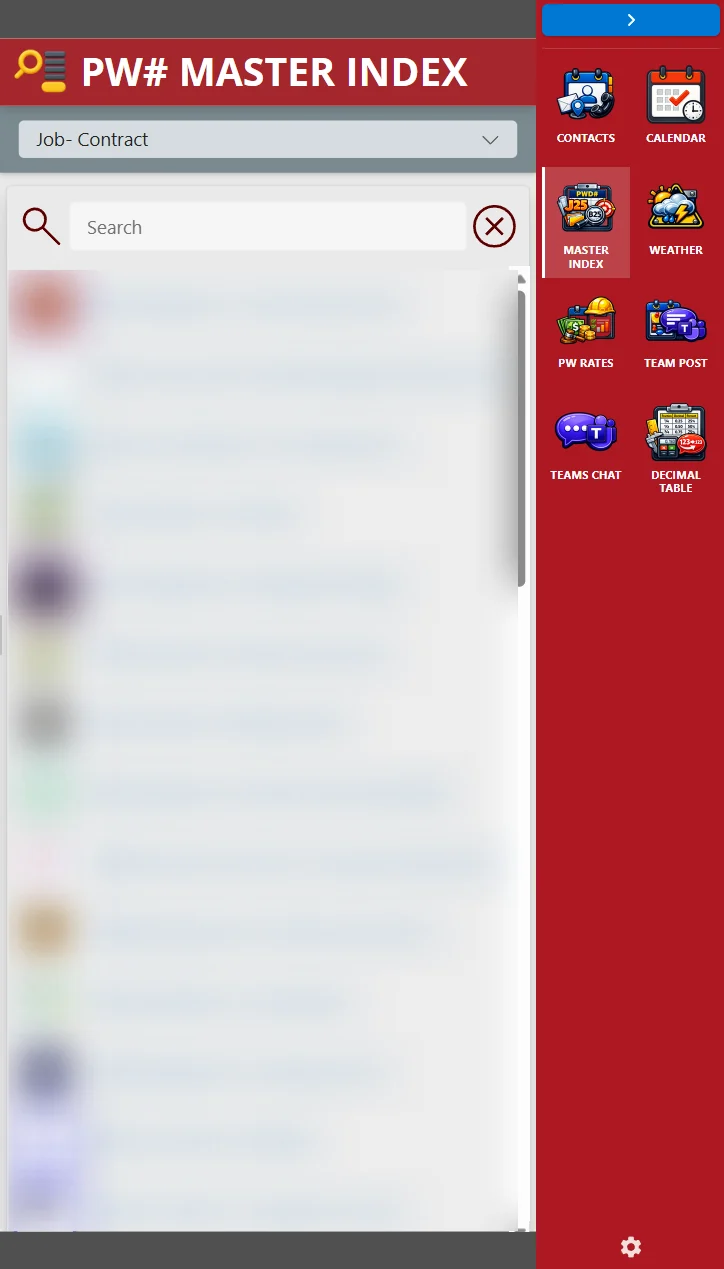
A browser extension that adds a red icon rail to every page. It opens the company's tools in a side panel over whatever you're working in: contacts, calendar, a searchable master index of every job, weather for job sites, wage rates, and Teams posting. Which tools appear on which sites is configured from SharePoint lists, and flows generate the rules.
Email archival, end to end
An Outlook add-in and a serverless API in C#/.NET 8 on Azure Functions that files emails and their attachments into the right job folder in SharePoint through Microsoft Graph.
Solving around a licensing wall
When premium licensing costs blocked an interface the team needed, I designed a postMessage-based architecture that delivered the same experience without the recurring spend.
Field app
Post, read, and reply from the job site
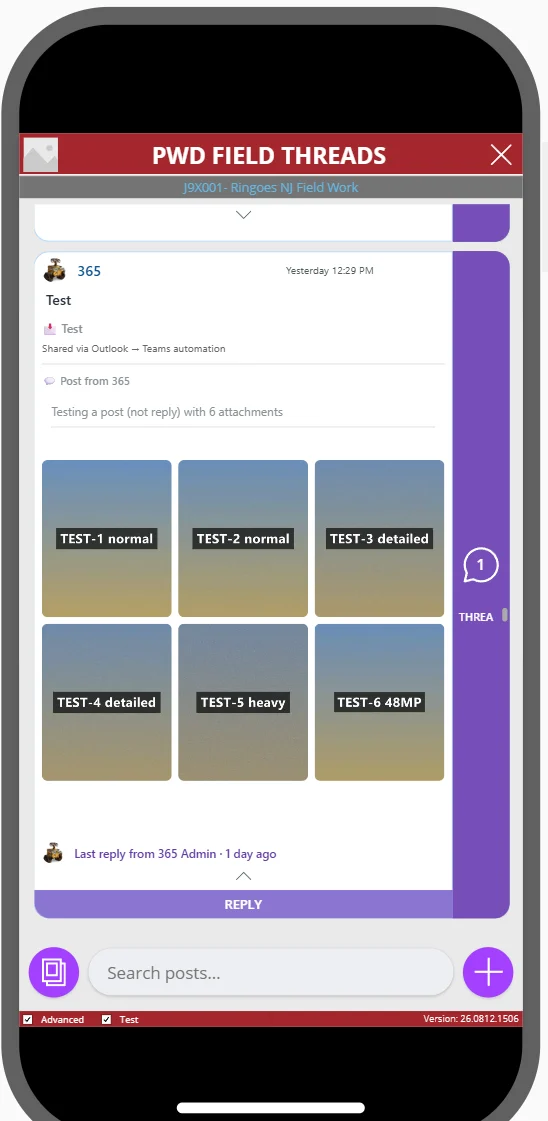
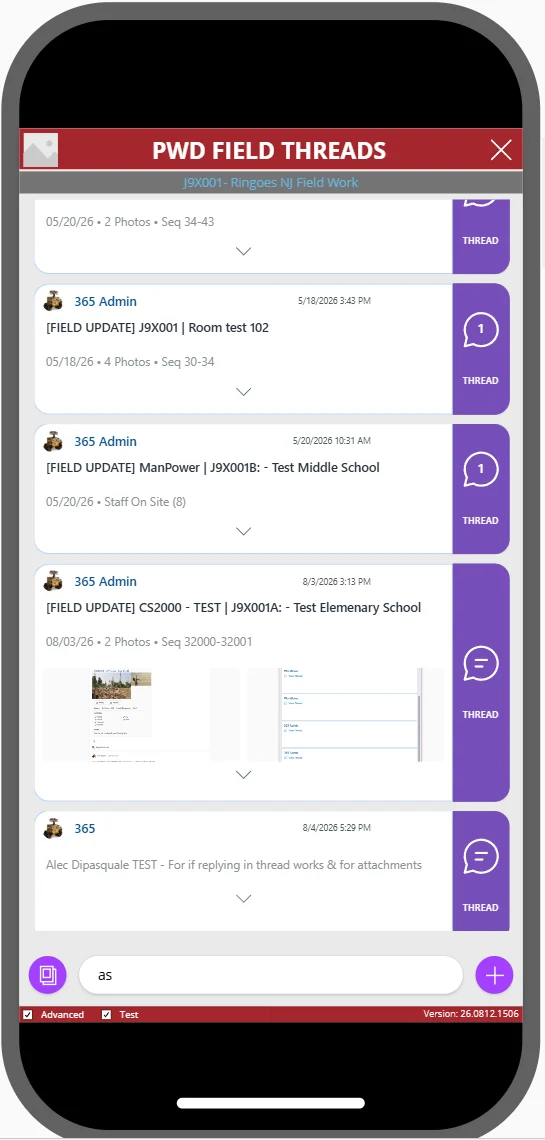
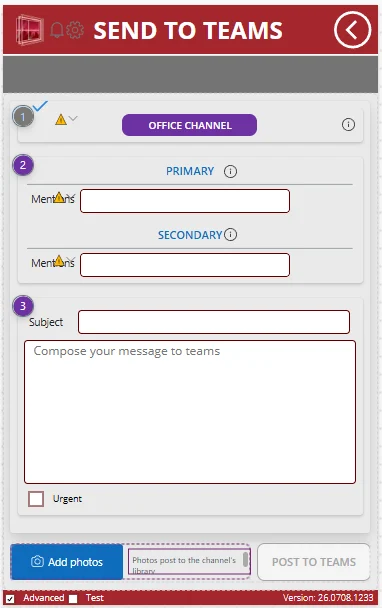
Photo pipeline
From a crew's phone to a searchable library
Sidebar rail
The company's tools, one click from any page
The rail sits on the edge of the browser on every site. Each icon opens a panel: the master index searches every bid, contract and work order by job number, alongside contacts, the calendar, job-site weather, wage rates, Teams posting and a decimal-equivalents table.
It's a Manifest V3 extension in plain JavaScript. The panels are Power Apps hosted as small web pages, and flows generate the per-site rules from SharePoint configuration lists, so adding a tool is a list edit, not a code release.
The wider platform
What my tools plug into
These diagrams show the platform as a whole, drawn from its definitions. It's the environment I work in, and not all of it is my work.
One click on a new contract runs 21 flows, about 490 actions, to build its whole workspace.
Let's build something.
I'm open to full-time and contract roles in AI/agent engineering, mobile, and full-stack TypeScript, remote or hybrid around NYC and Philadelphia.